With Cunnekt’s Whatsapp platform, you can promote products, and services, or launch other campaigns. You can launch a WhatsApp campaign to send targeted messages or broadcasts to a specific audience or group using text messages, images, videos, and audio recordings.
- By using campaigns, you can send promotional messages or broadcasts to individual users or a contact list.
- Campaigns can be sent to unlimited users.
- You need preapproved templates having images/videos / call-to-action buttons that you can send to the recipients via a WhatsApp campaign.
On Cunnekt, you can launch a Whatsapp campaign in two ways:-
1. Quick Broadcast When you want to launch a campaign for a few contacts or a select number of people from a contact list.
2. Bulk Campaign When you want to launch a campaign for usersin bulk in one go.
In this tutorial, we will guide you through the process of launching the campaigns using both the methods.
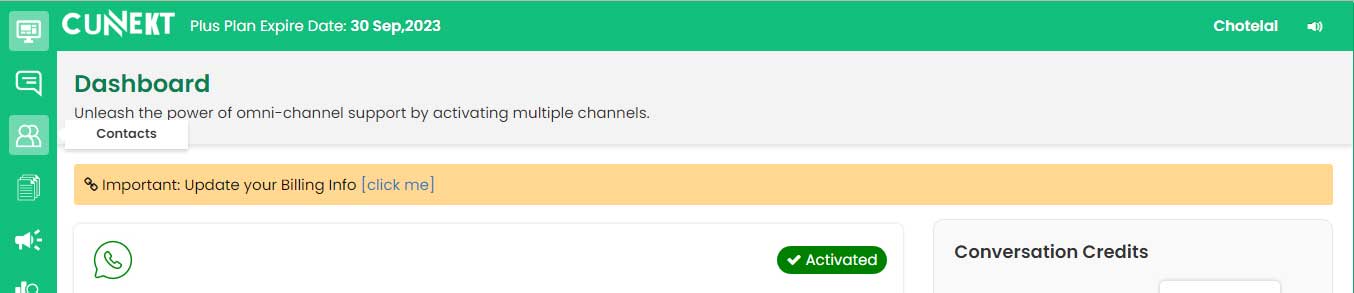
- Login to open you Cunnekt dashboard
- Go to Contacts
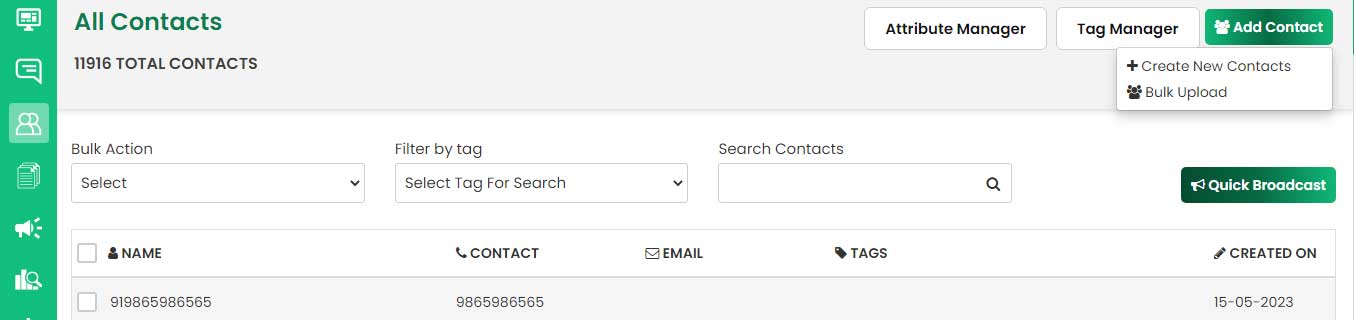
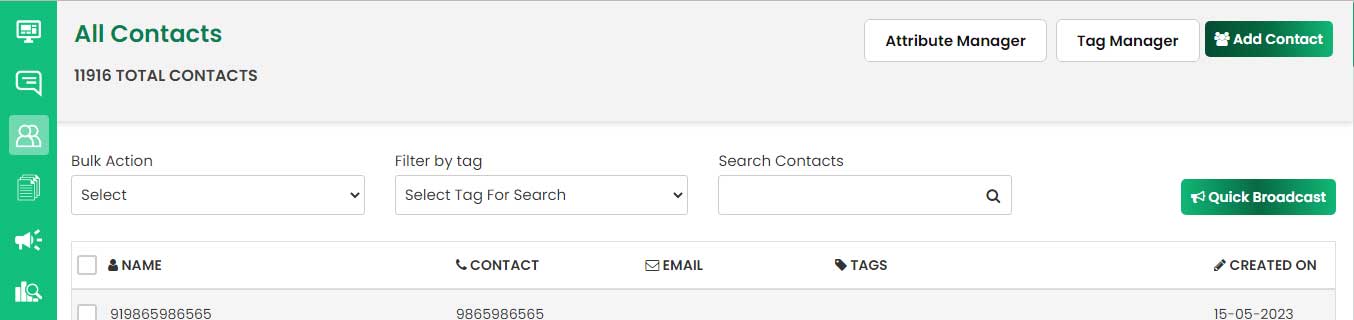
- Add a new contact or select a contact from the list of names
- Click on Quick Broadcast button
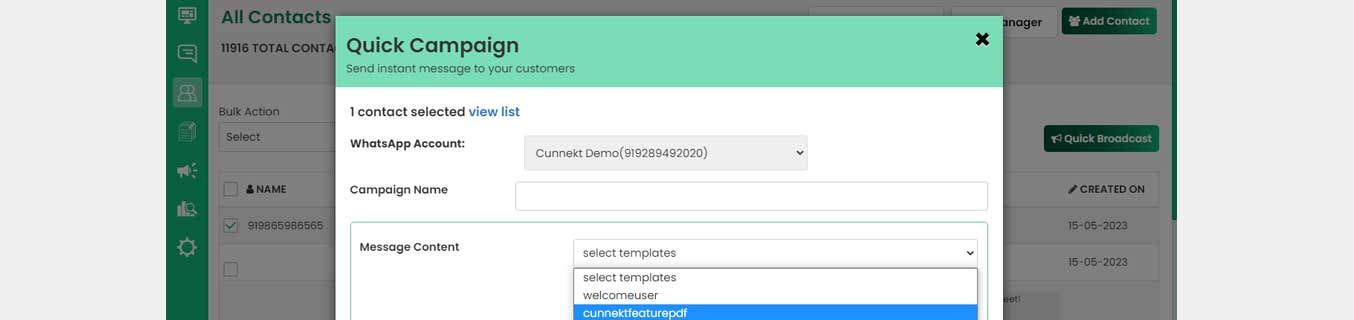
- Give a campaign name
- Select a template
- If the template has a variable->select variable
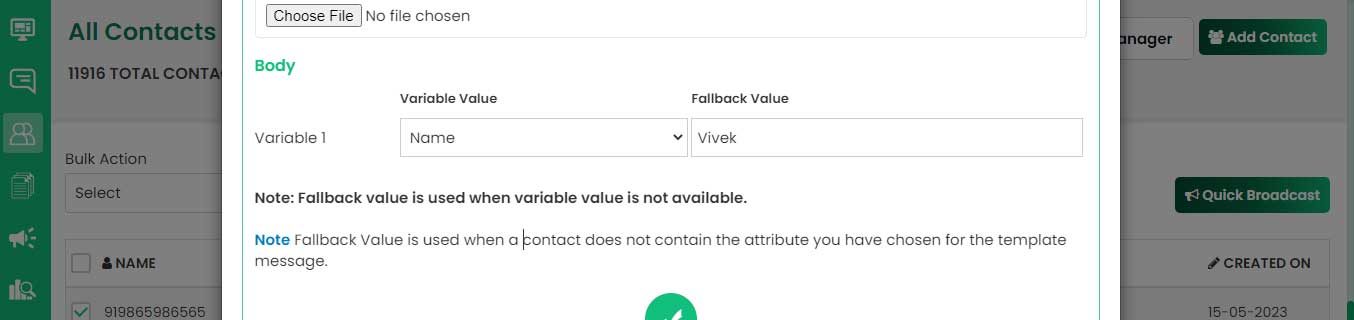

- preview your campaign and send
-
To view the campaign report, go to dashboard and click on
Campaigns.
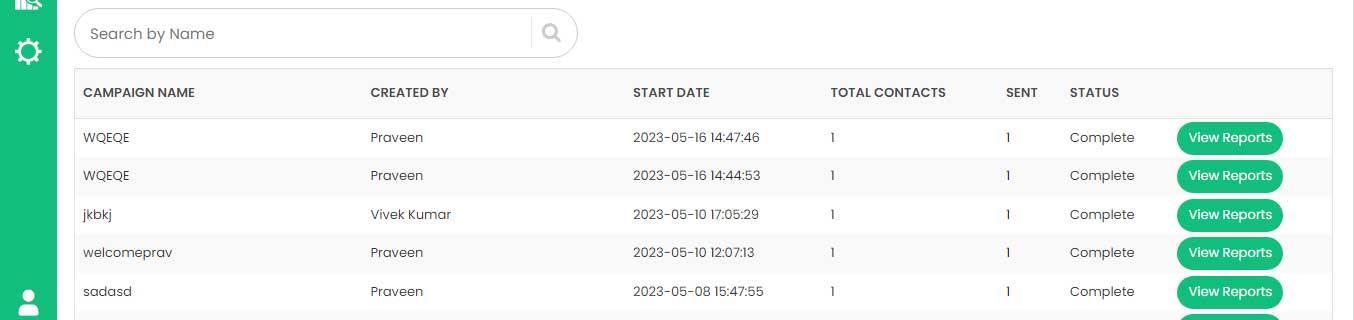
- Go to campaigns (on dashboard)
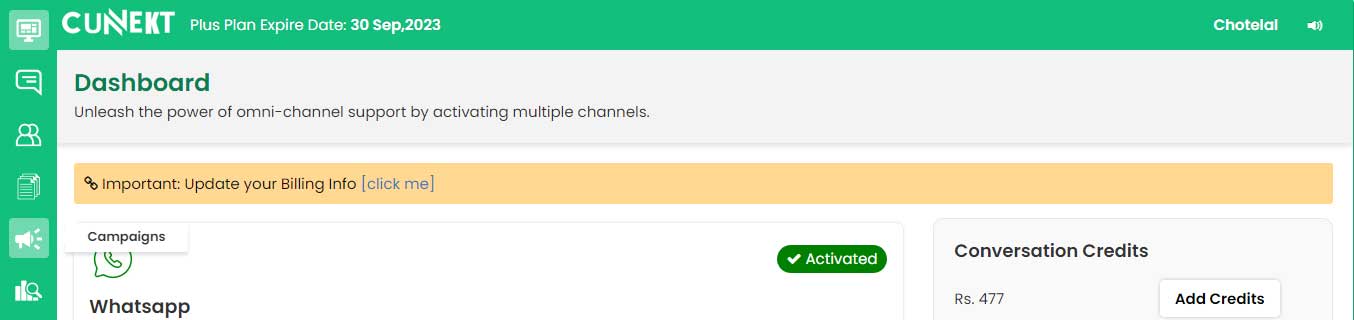
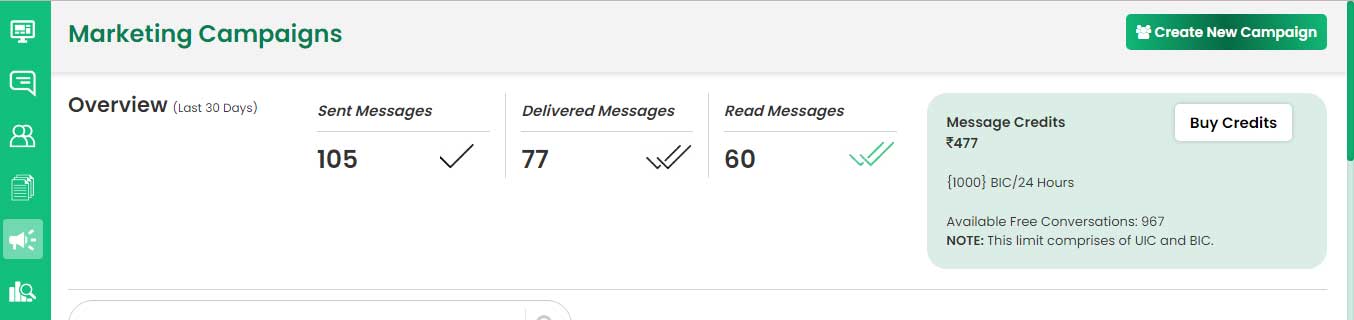
- Create new campaign
-
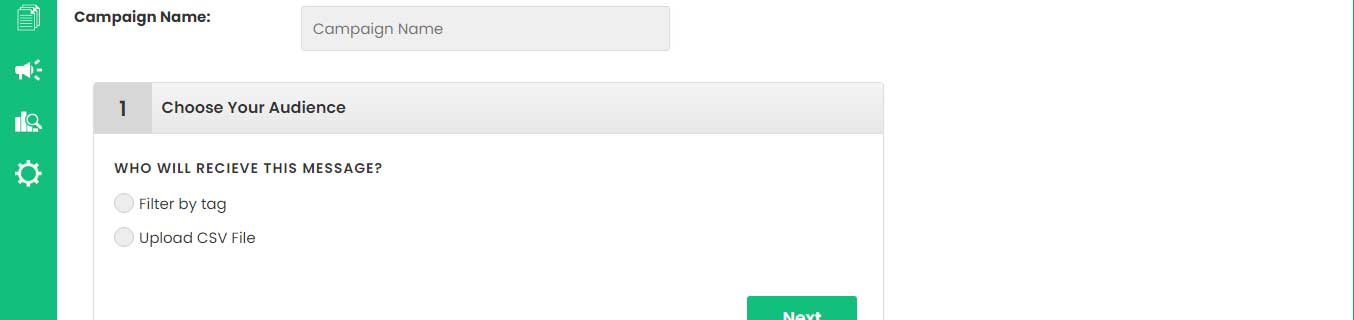
Enter the campaign name in small letters and choose the
audience. You can select a .csv file to upload a contact list or
filter the audience by tag.
-
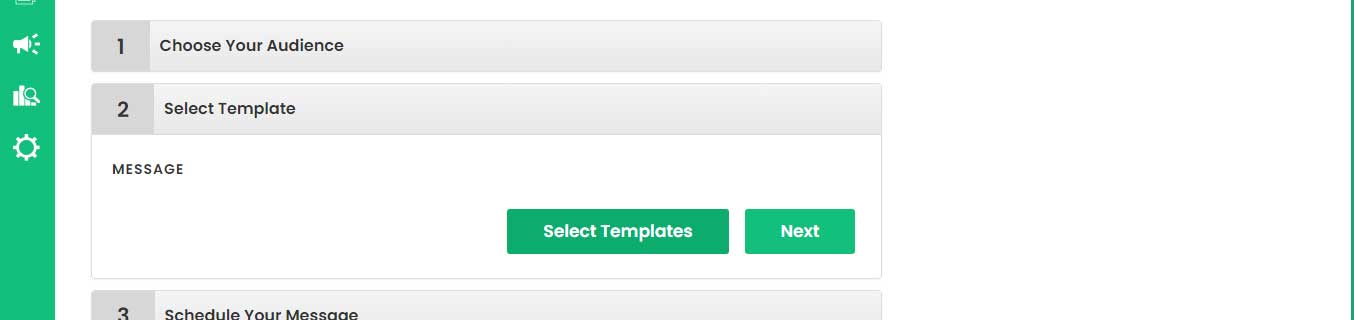
Select a template from the list that you have already created.
In case you don’t have one,
create now.
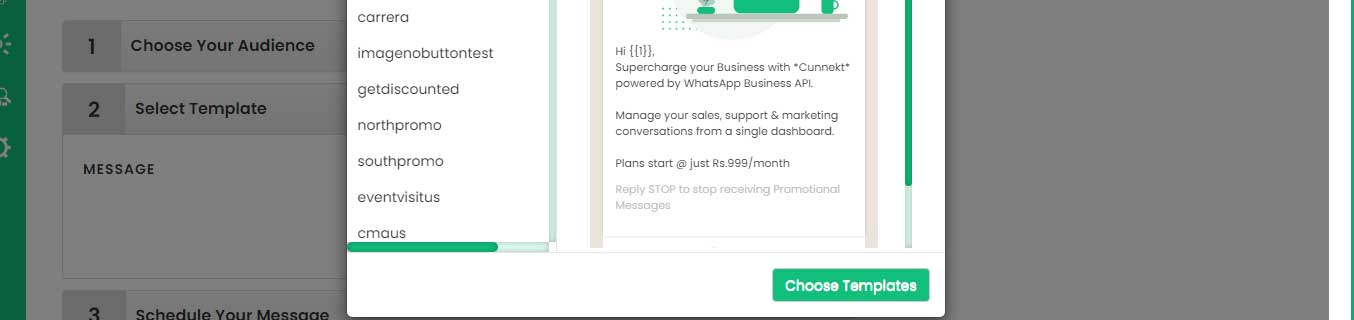
- Following window will open.
- Select a template from the list and click on Choose Templates
-
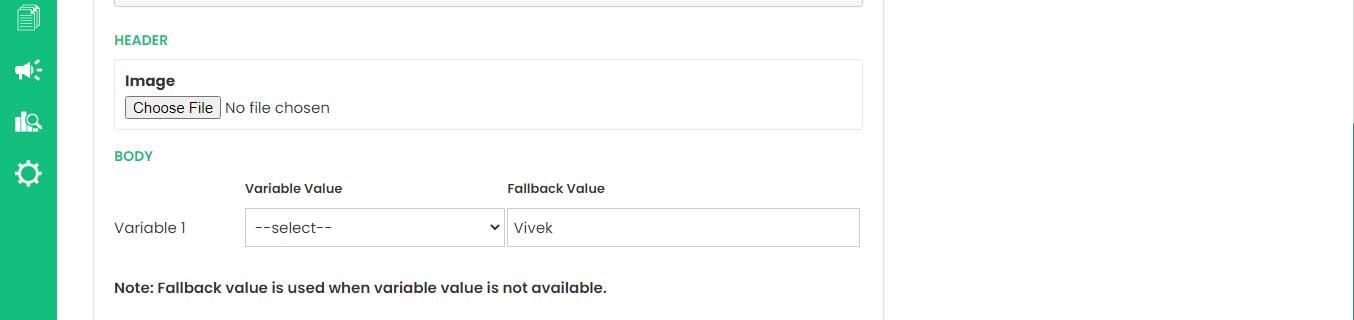
Upload an image and select a variable if your template has an
image and/or variable.
-
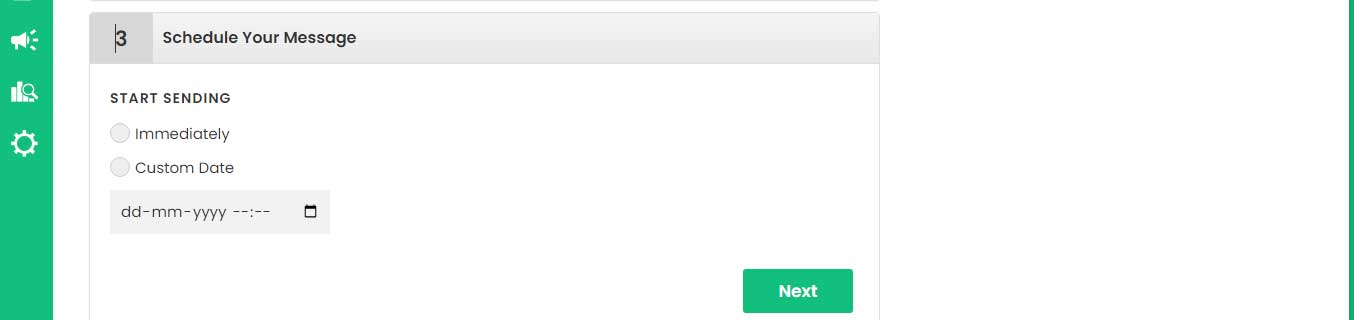
Schedule your message. You can send the message immediately or
schedule it to send it later.
-
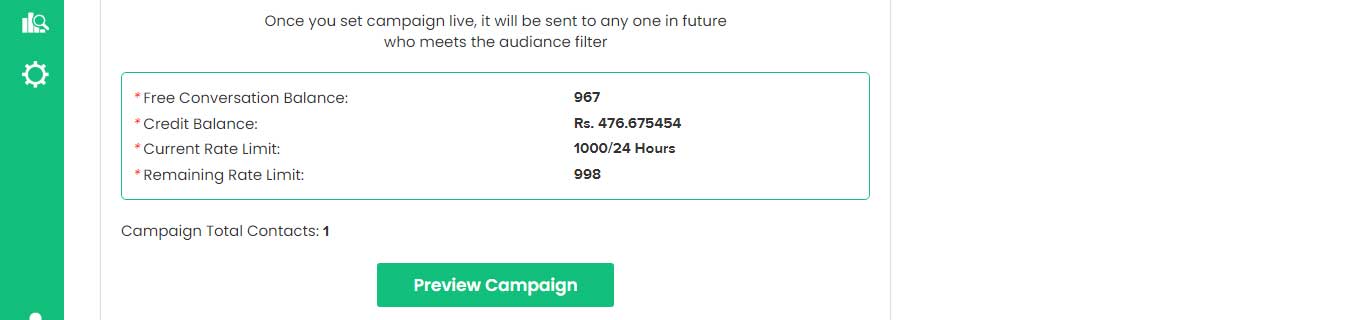
Preview and Launch your Campaign. Before launching the campaign
check your balance, sending limits, and total number of
contacts.
-
To view the campaign report, go to the dashboard and click on
Campaigns.

 Talk To Experts
